Choose folders
- Mixhaus
- Select the local export folders Mixhaus should watch.
- Typical alternative
- Remember which folder contains the latest bounce for every project.
Mixhaus provides automatic DAW export capture: the desktop app watches folders you choose, syncs stable new audio files, and builds a version history while keeping client sharing deliberate.
Updated
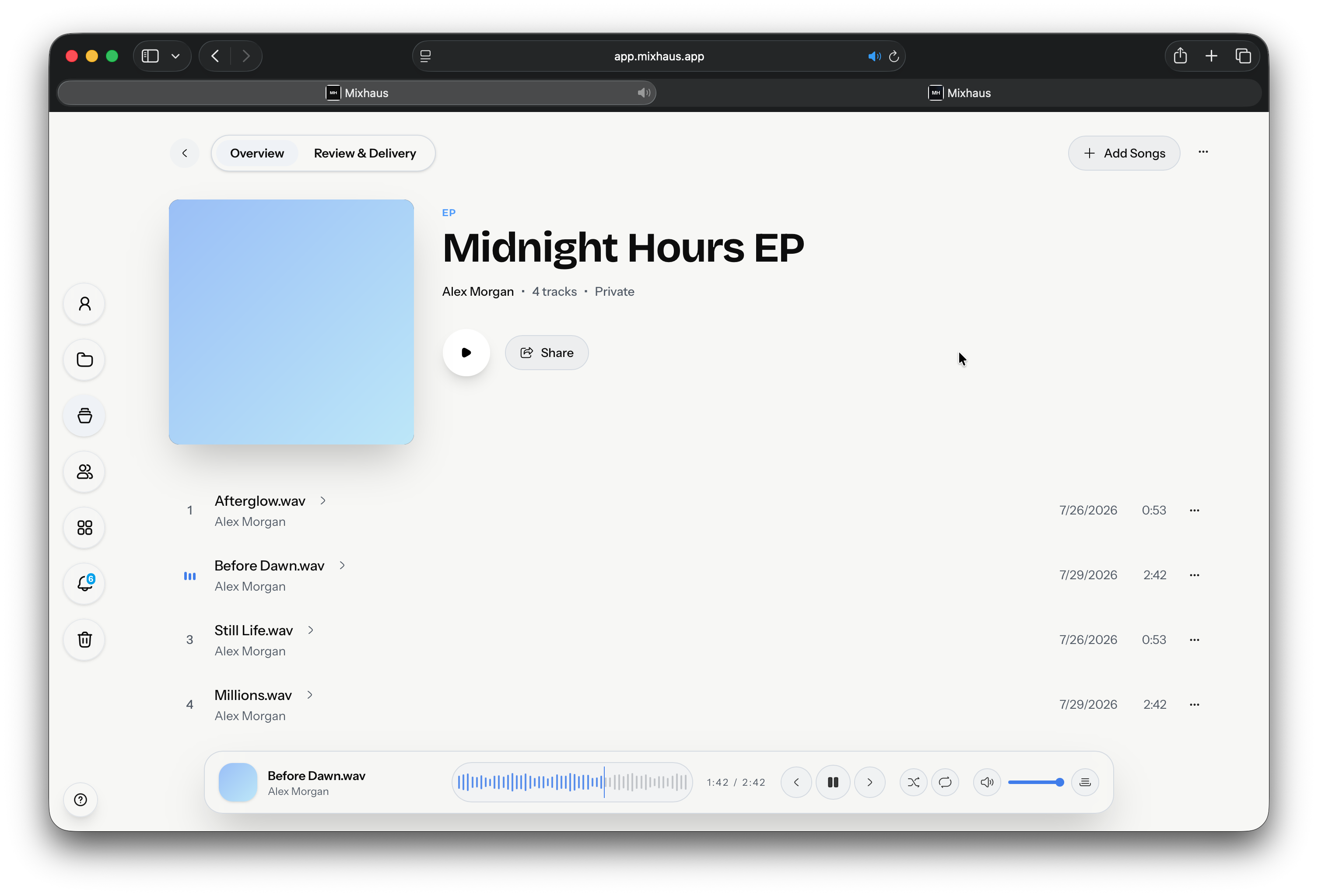
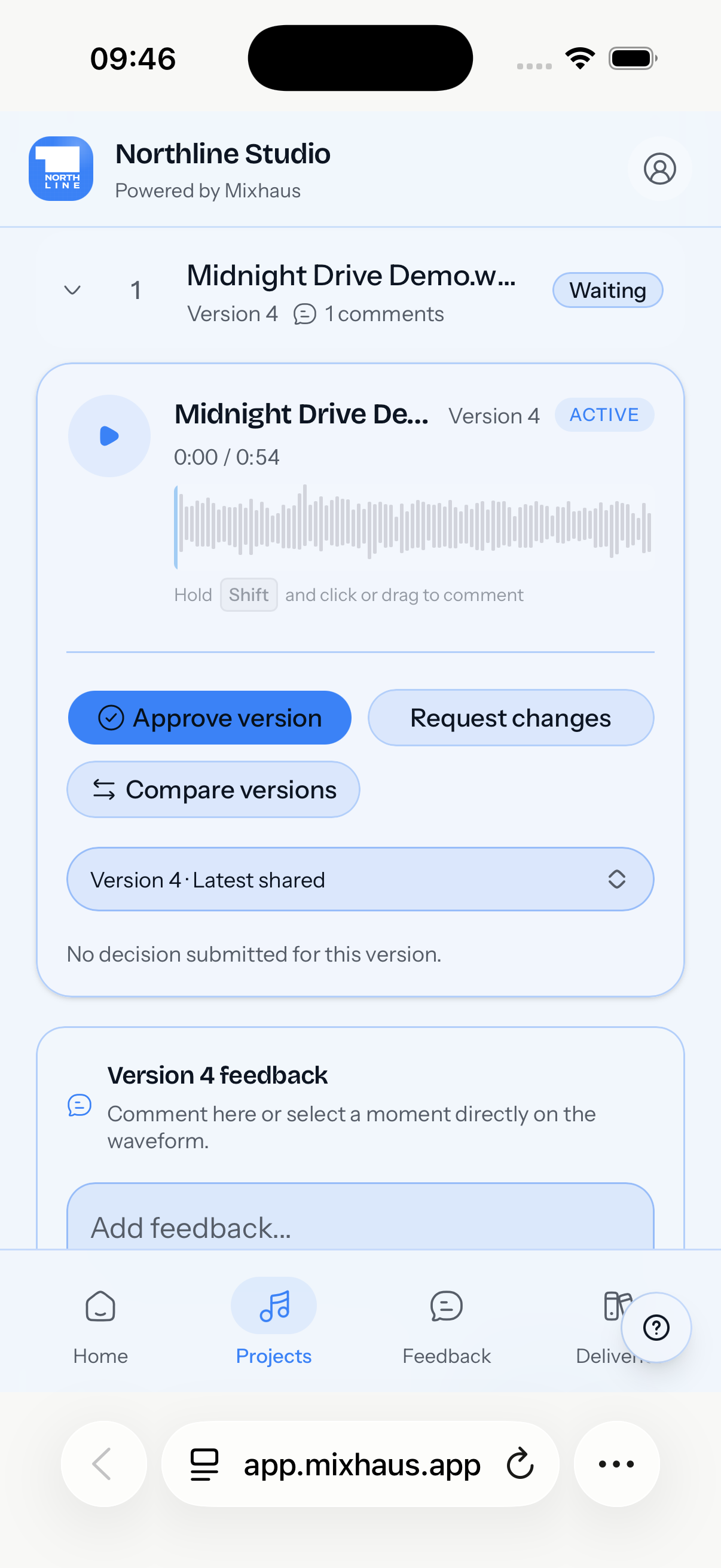
Engineers who export regularly from Logic Pro, Pro Tools, Ableton Live, Cubase, Reaper, Studio One, FL Studio, Bitwig Studio, or any DAW that writes audio to a folder.
Stop treating every new bounce as another manual upload job.
Each step from the first bounce to the approved master, with Mixhaus beside the way it is usually done.
| Workflow step | Mixhaus | Typical alternative |
|---|---|---|
| Choose folders | Select the local export folders Mixhaus should watch. | Remember which folder contains the latest bounce for every project. |
| Export from the DAW | Your normal DAW export creates the file; Mixhaus detects it in the background. | After export, open a browser or transfer app and upload manually. |
| Attach versions | Known files become versions; uncertain matches can be confirmed before attachment. | Renamed bounces may become separate files with no clear version relationship. |
| Share deliberately | Captured files stay private until selected for review. | Manual hand off determines which client saw which file. |
Something else on your mind? Email contact@mixhaus.app.
Yes, if the DAW exports audio to a folder Mixhaus can watch. That includes common DAWs such as Logic Pro, Pro Tools, Ableton Live, Cubase, Reaper, Studio One, FL Studio, and Bitwig Studio.
No. Captured exports remain private until the engineer deliberately selects versions for a client review room.
Mixhaus can surface credible version match suggestions so the engineer can confirm, redirect, or dismiss a possible match.
Create your account, install the desktop app, and send your next mix for review from one client project.