Mixhaus vs Stacktune

Both Mixhaus and Stacktune organise audio versions, collect timestamped feedback, support client access without an account, and compare revisions. Mixhaus also captures new DAW exports automatically and carries approval for each version into final delivery.

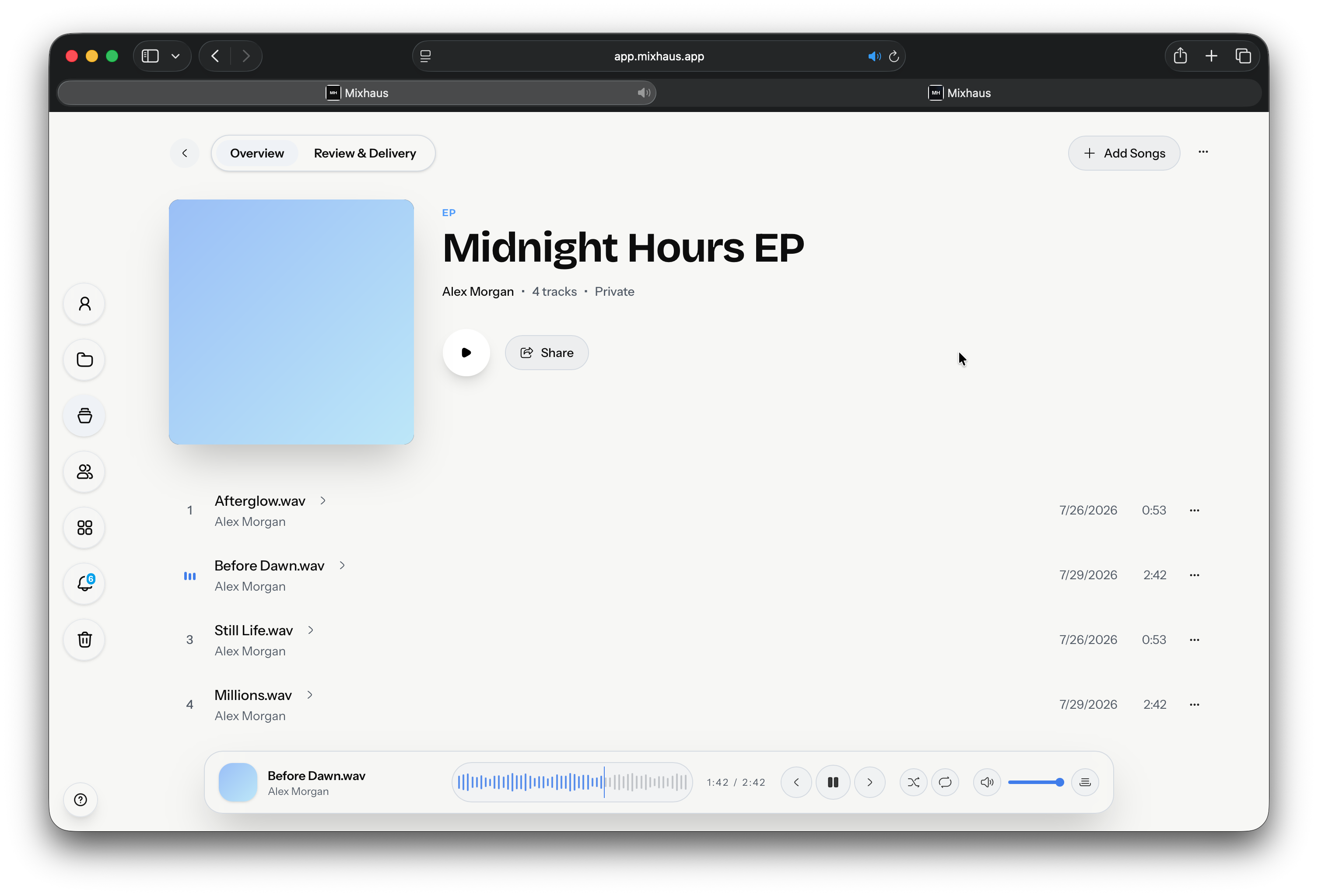
Mixhaus desktop workspace showing Midnight Hours EP tracklist and audio playback
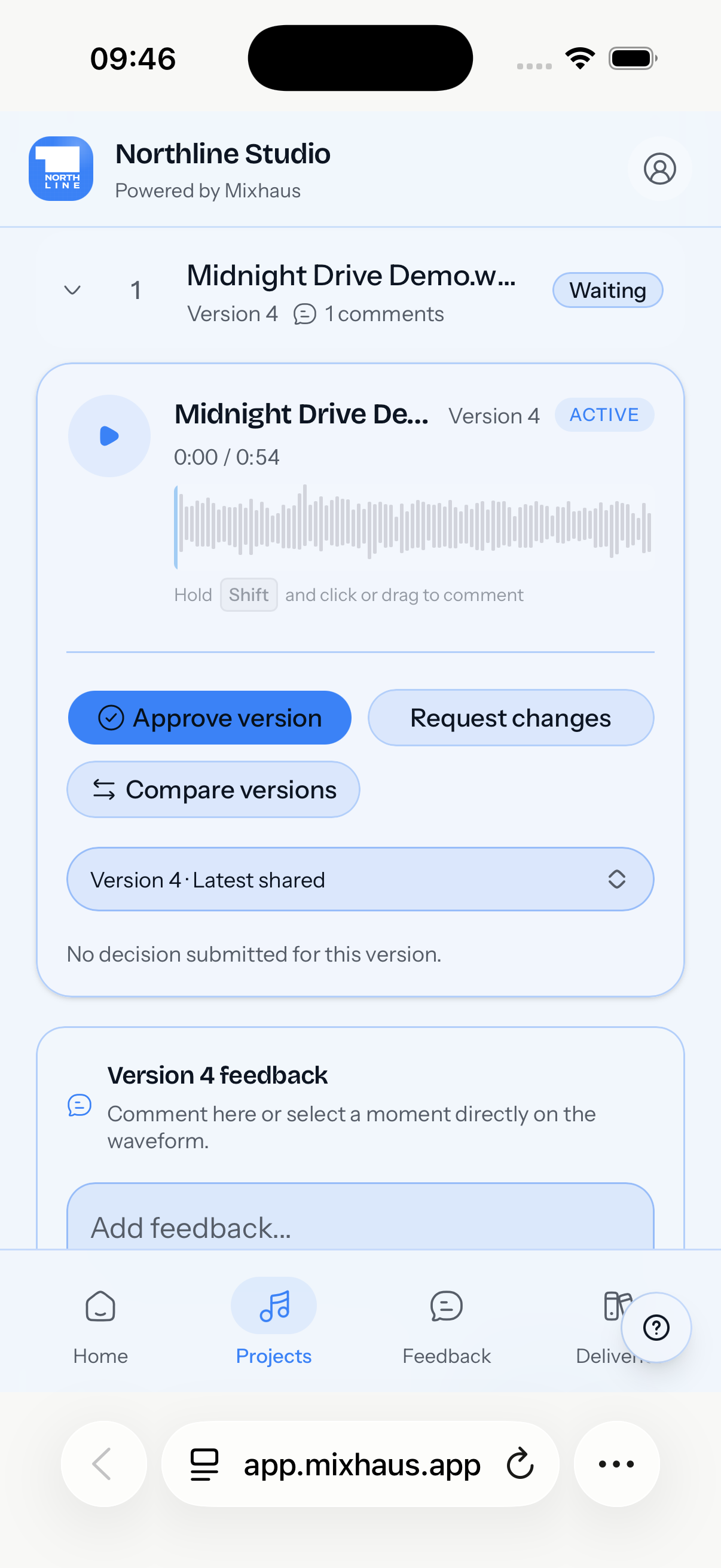
Mixhaus mobile client review portal showing track playback, waveform comments, and version approval

The Mixhaus workflow

Mixhaus provides export capture from watched folders, organised version history, review rooms that require no account, timestamped feedback, synchronized waveform A/B playback, explicit approval or change requests, and retained final delivery in one client project.

The Stacktune workflow

Both products provide organised versions, timestamped comments, revision comparison, permissions, and share links. Mixhaus adds watched folder export capture and carries explicit version decisions into retained final delivery.
Detailed comparison

How Mixhaus and Stacktune differ across the audio production and review lifecycle.

QuestionMixhausStacktune
Automatic export captureWatches selected export folders and captures new versions in the background.Smart uploads help organise audio, but files are still added to Stacktune rather than captured automatically from watched DAW export folders.
Client accountsClients can review selected versions without creating a Mixhaus account.Projects can allow access without an account, with configurable roles and permissions.
Version feedbackTimestamped notes and decisions stay attached to the exact version heard.Supports organised versions, timestamped comments, and revision comparison, as does Mixhaus.
ApprovalApproval and requested changes are recorded as explicit project decisions.Teams can discuss decisions and mark songs or projects complete; confirm whether that completion model meets your client sign off requirements.
Final deliveryFinal files can be delivered from the same project with a retained record.Supports downloads and sharing, while Mixhaus keeps final delivery attached to the approved project record.

The workflow difference

Choose Mixhaus when

  • You want exports from watched folders to become organised versions.
  • You need a client review room that requires no account.
  • You want approval and delivery history in the same project.

What Stacktune leaves to your team

  • Files need to be added before the review workflow begins.
  • Mixhaus provides synchronized waveforms, a shared playhead, looping, and instant A/B switching for revision comparison.
  • Its completion and sharing model differs from Mixhaus's approval for each version and retained delivery record.

Start your first project.

Create your Mixhaus workspace, install the desktop app, spend less time managing files and more time creating.

Frequently asked questions

Is Mixhaus a Stacktune alternative?

Yes. Both products support organised versions, timestamped feedback, client access, and version comparison. Mixhaus adds automatic capture from watched folders, explicit decisions for each version, and final delivery within the same client project.

What makes Mixhaus different?

Mixhaus starts when a new export is detected, then keeps the review and approval process attached to that version history.

Sources and methodology

Competitor details were checked against the public product pages below on 2026-08-17. Features and plans can change; confirm current requirements with each provider.