New exports
- Mixhaus
- The desktop app watches export folders and captures new versions in the background.
- Typical alternative
- The engineer exports, names, uploads, and sends each file manually.
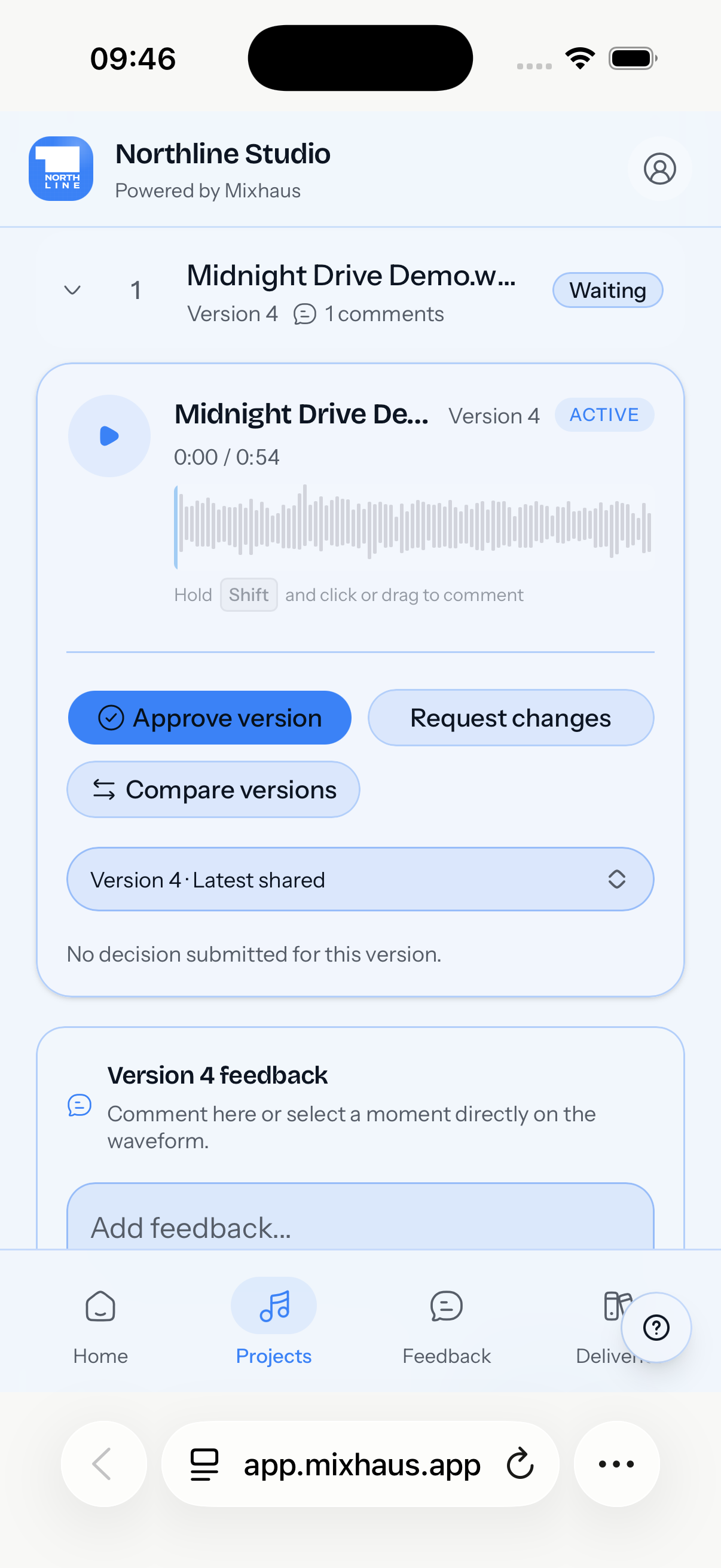
Mixhaus is mix revision software for professional producers, mix engineers, and studios. It captures new exports, keeps revisions connected, collects timestamped feedback, records approval, and supports final delivery in one project.
Updated
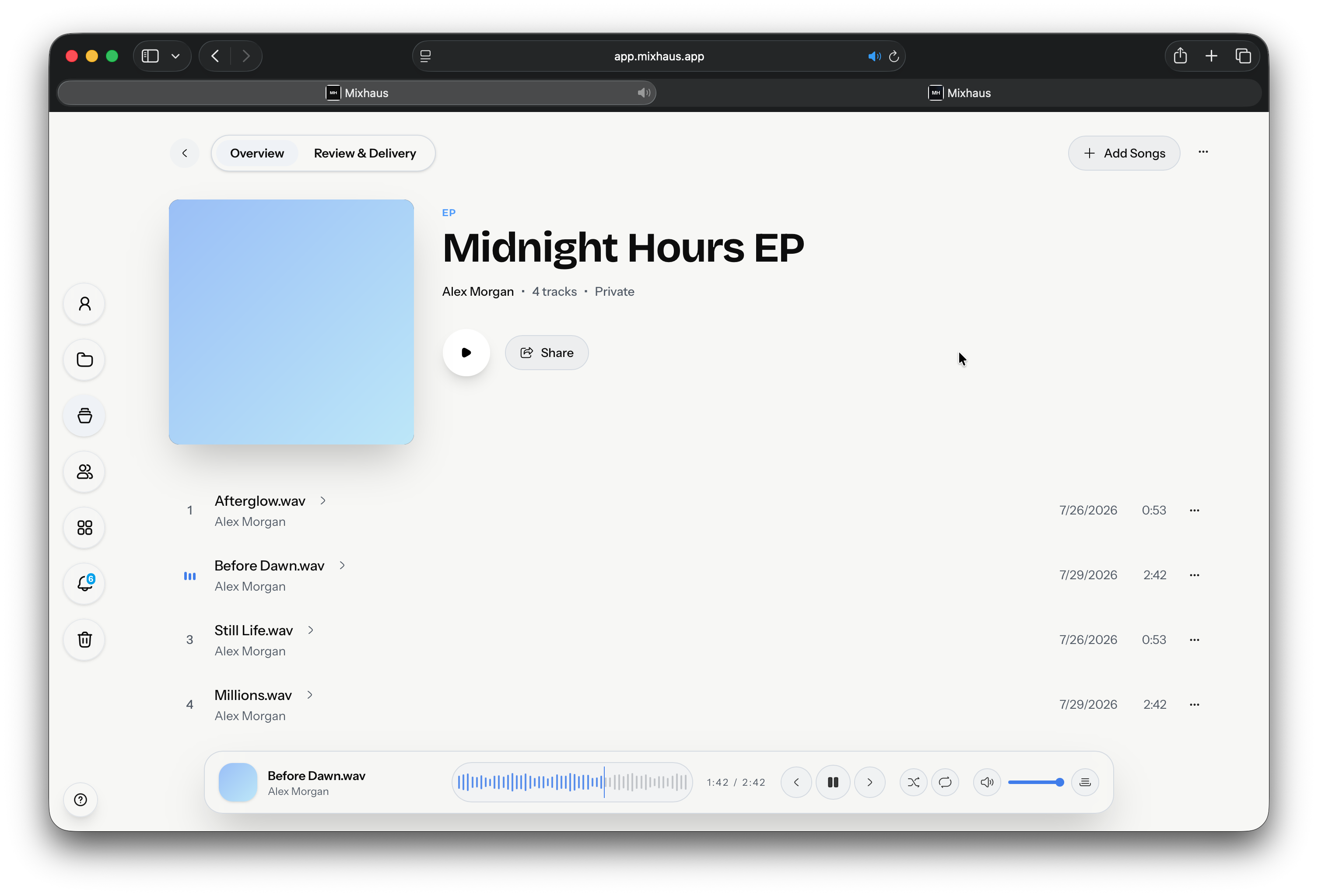
Solo mix engineers, producers, and small studios managing remote client projects with multiple review rounds.
Run every revision round from one project instead of rebuilding the hand off after every bounce.
Each step from the first bounce to the approved master, with Mixhaus beside the way it is usually done.
| Workflow step | Mixhaus | Typical alternative |
|---|---|---|
| New exports | The desktop app watches export folders and captures new versions in the background. | The engineer exports, names, uploads, and sends each file manually. |
| Client review | The client opens a review room without an account, with the exact versions selected by the engineer. | Review often happens across file links, email, text messages, or a generic player. |
| Feedback | Written and timestamped notes stay attached to the version the client heard. | Feedback can arrive separately from the audio, making version context ambiguous. |
| Approval | The client approves or requests changes against a specific version. | Sign off is often inferred from a message, reaction, silence, or download. |
| Delivery | Approved files and deliverables are sent from the same project with a retained record. | Final delivery commonly moves to a separate transfer link or archive folder. |
Something else on your mind? Email contact@mixhaus.app.
Mix revision software helps engineers send new mix versions, collect client feedback, compare revisions, and record approval against the exact audio being reviewed.
Mixhaus replaces much of the active review workflow, but studios may still use cloud storage for broader archives, backups, or internal folder structures.
No. Clients can open a Mixhaus review link, listen, compare selected versions, leave notes, approve, or request changes without creating an account.
Create your account, install the desktop app, and send your next mix for review from one client project.