Send
- Mixhaus
- The engineer chooses the versions and downloads visible in the review room.
- Typical alternative
- A new link is sent each time, often without a durable connection to earlier notes.
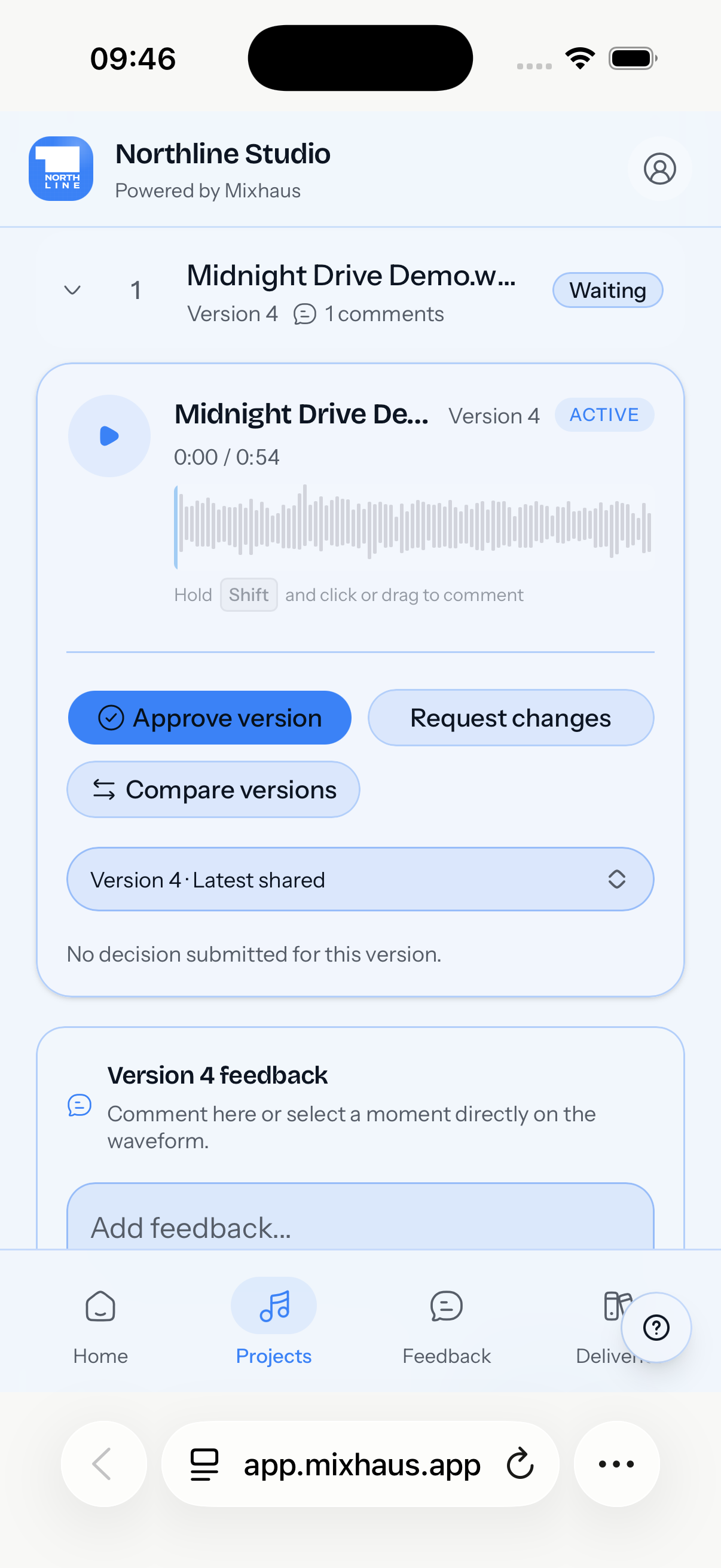
Mixhaus is a client feedback tool for mixing engineers. It lets clients review selected mix versions, leave written or timestamped notes, compare revisions, and approve the exact version they heard.
Updated
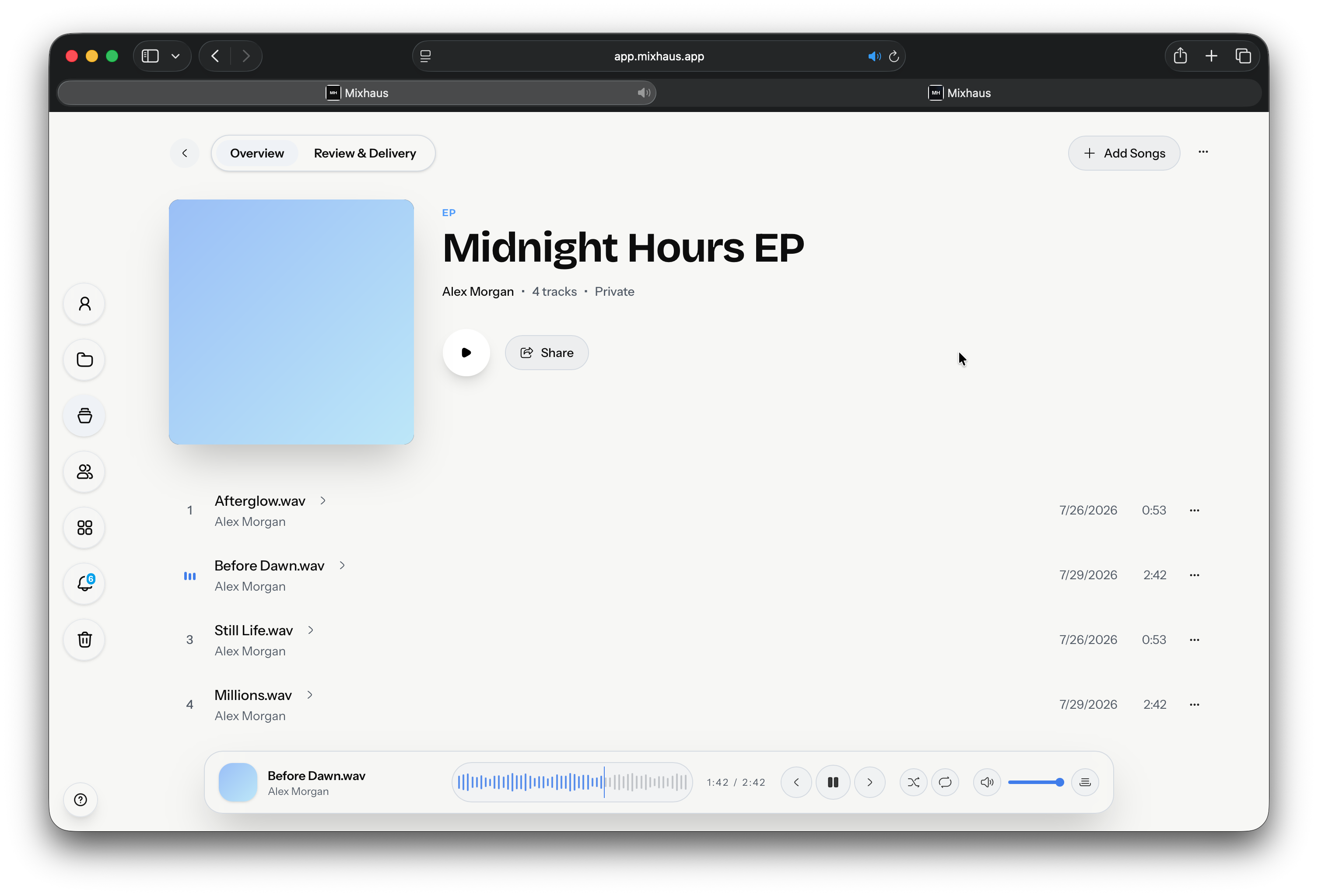
Mix engineers who currently receive notes across emails, WhatsApp, texts, voice notes, and comments on file links.
Keep client comments beside the audio they refer to, so every revision round starts from the right context.
Each step from the first bounce to the approved master, with Mixhaus beside the way it is usually done.
| Workflow step | Mixhaus | Typical alternative |
|---|---|---|
| Send | The engineer chooses the versions and downloads visible in the review room. | A new link is sent each time, often without a durable connection to earlier notes. |
| Listen | The client hears the selected versions in a focused review space. | The client may switch between different players, downloads, or message threads. |
| Comment | Notes can be written or timestamped, then resolved as work is completed. | Comments often arrive without enough version or timestamp context. |
| Decide | Approval or changes requested becomes part of the project record. | The engineer interprets whether a message counts as final sign off. |
Something else on your mind? Email contact@mixhaus.app.
Mixhaus keeps notes attached to a selected version and timestamp, which makes it clearer what the client heard when they commented.
Yes. A client can approve a version or request changes from the review room.
Yes. Mixhaus can request reference mixes, stems, source recordings, and other client files from the project.
Create your account, install the desktop app, and send your next mix for review from one client project.