Automatic export capture
- Mixhaus
- Watches selected export folders and captures new versions in the background.
- Dropbox and Google Drive
- Cloud sync can mirror folders, but it does not turn DAW exports into a client review and approval workflow.
Cloud storage holds files. Mixhaus runs the client decisions and hand offs that move active audio projects from export to final delivery.
Updated
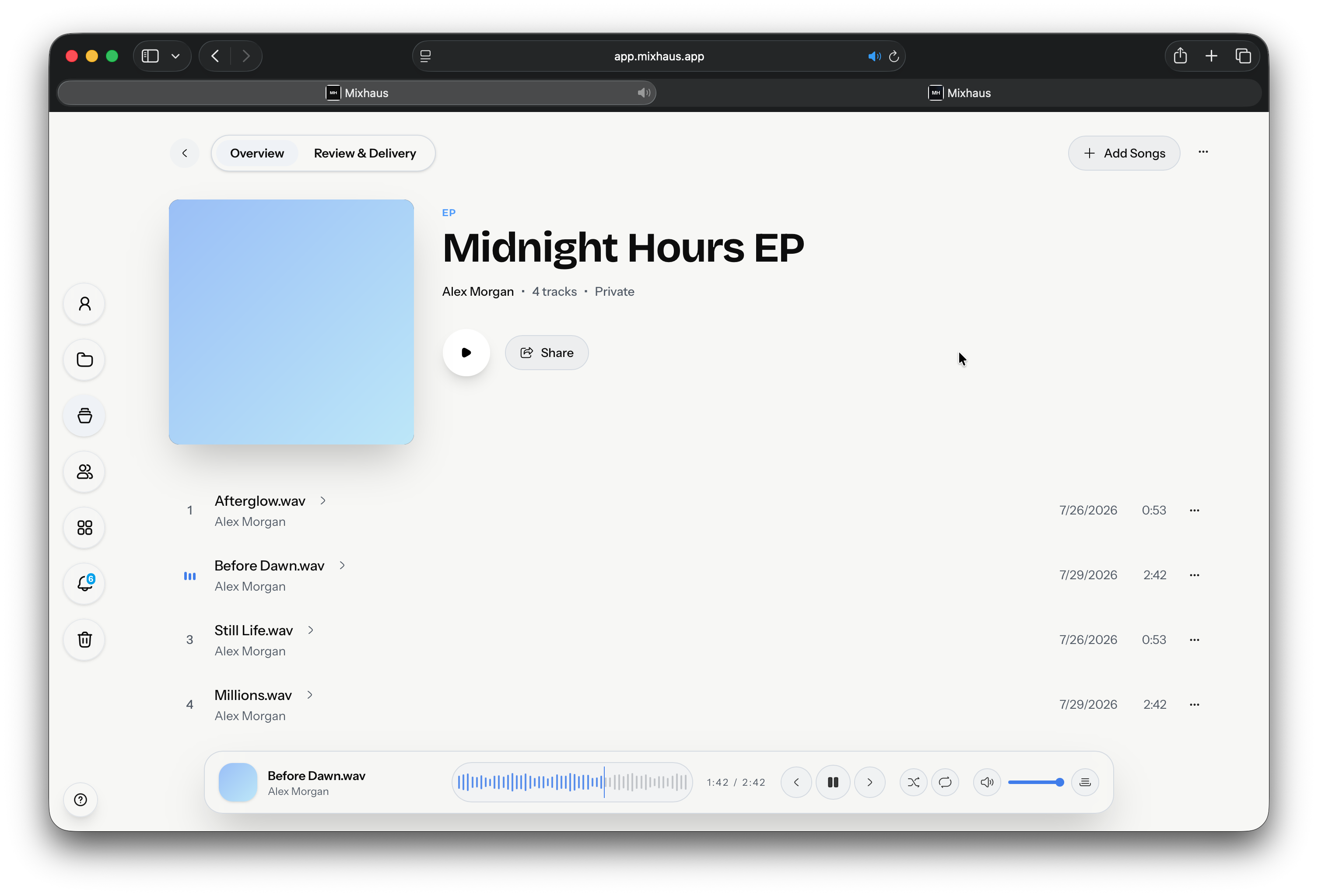
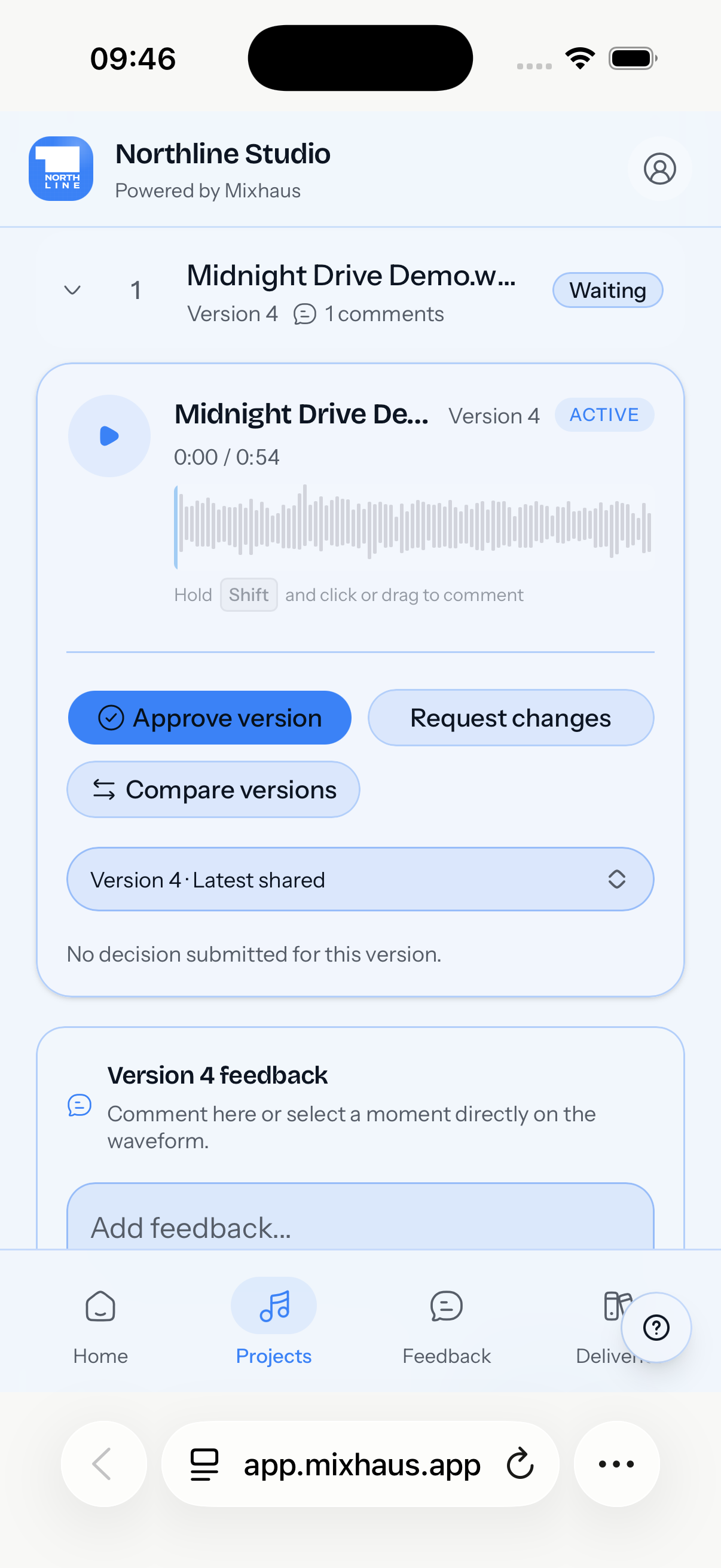
Mixhaus organises the active work around the files: repeated mix hand offs, feedback tied to each version, approval, and final delivery.
Dropbox and Google Drive organise, sync, and share stored files. Mixhaus adds the audio specific workflow around them: timestamped review tied to versions, explicit approval or change requests, and a retained final delivery record.
How Mixhaus and Dropbox and Google Drive differ across review, approval, and delivery.
| Question | Mixhaus | Dropbox and Google Drive |
|---|---|---|
| Automatic export capture | Watches selected export folders and captures new versions in the background. | Cloud sync can mirror folders, but it does not turn DAW exports into a client review and approval workflow. |
| Client accounts | Clients can review selected versions without creating a Mixhaus account. | Clients can access shared files, but access is organised around storage permissions rather than review roles. |
| Version feedback | Timestamped notes and decisions stay attached to the exact version heard. | Comments and file history can exist, but timestamped audio feedback usually needs another tool. |
| Approval | Approval and requested changes are recorded as explicit project decisions. | Approval is normally inferred from messages, downloads, or a separate sign off process. |
| Final delivery | Final files can be delivered from the same project with a retained record. | Stores and transfers final files, with limited delivery history for the project. |
Dropbox and Google Drive details were checked against the public pages below on . Features and plans can change, so confirm current details with each provider.
Something else on your mind? Email contact@mixhaus.app.
Mixhaus replaces the patchwork used to run active client review and delivery. General storage can remain an archive or backup layer without being the client workflow.
A folder link stores files. Mixhaus keeps exports, versions, feedback, approval, and final delivery connected to a client project.
Create your account, install the desktop app, and send your next mix for review from one client project.