Request files
- Mixhaus
- Ask the client for the files needed for the project.
- Typical alternative
- Send a separate transfer request or ask for files by email.
Mixhaus supports client file requests for audio projects. Clients can upload stems, reference mixes, source recordings, and related files into the project instead of sending a separate transfer link.
Updated
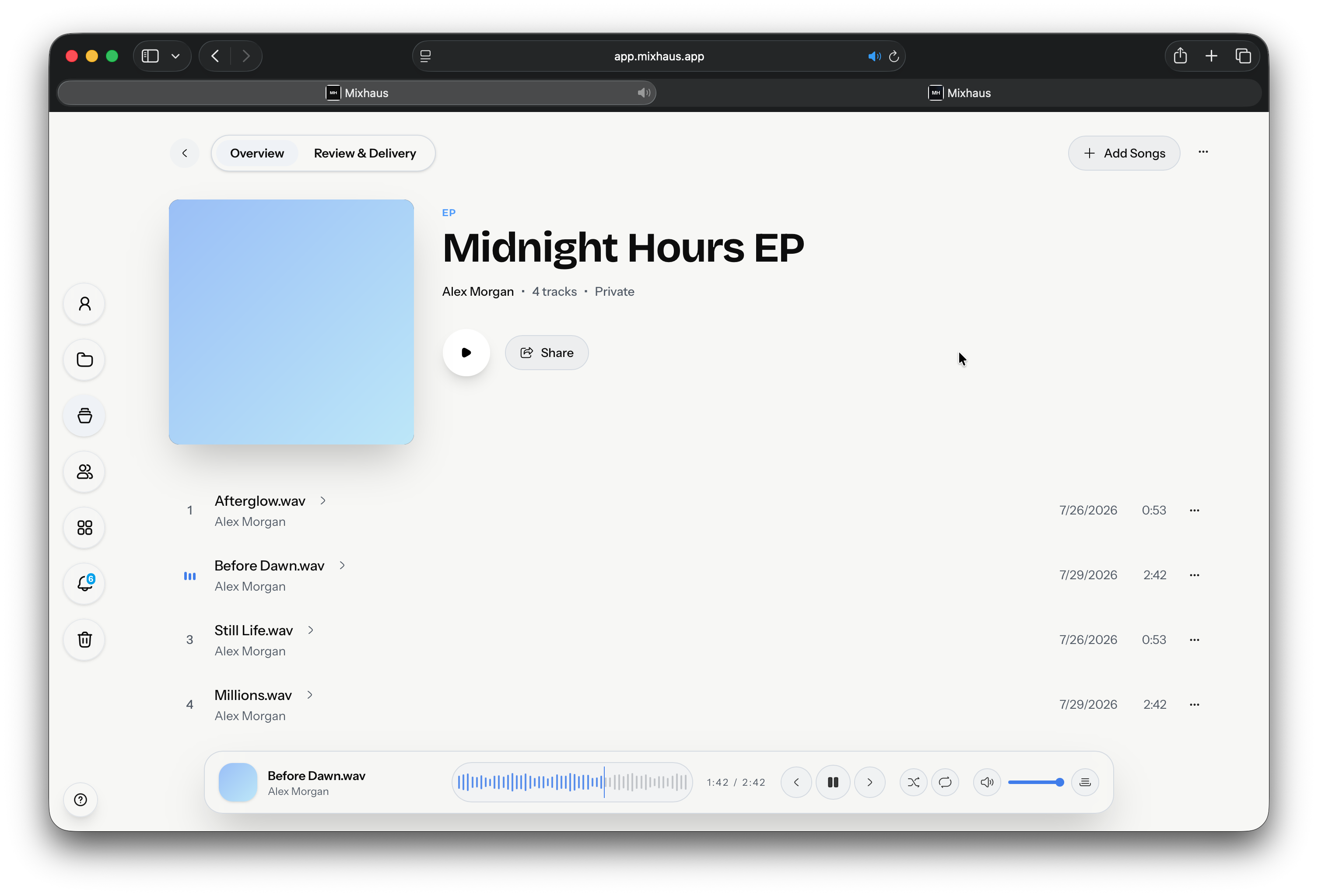
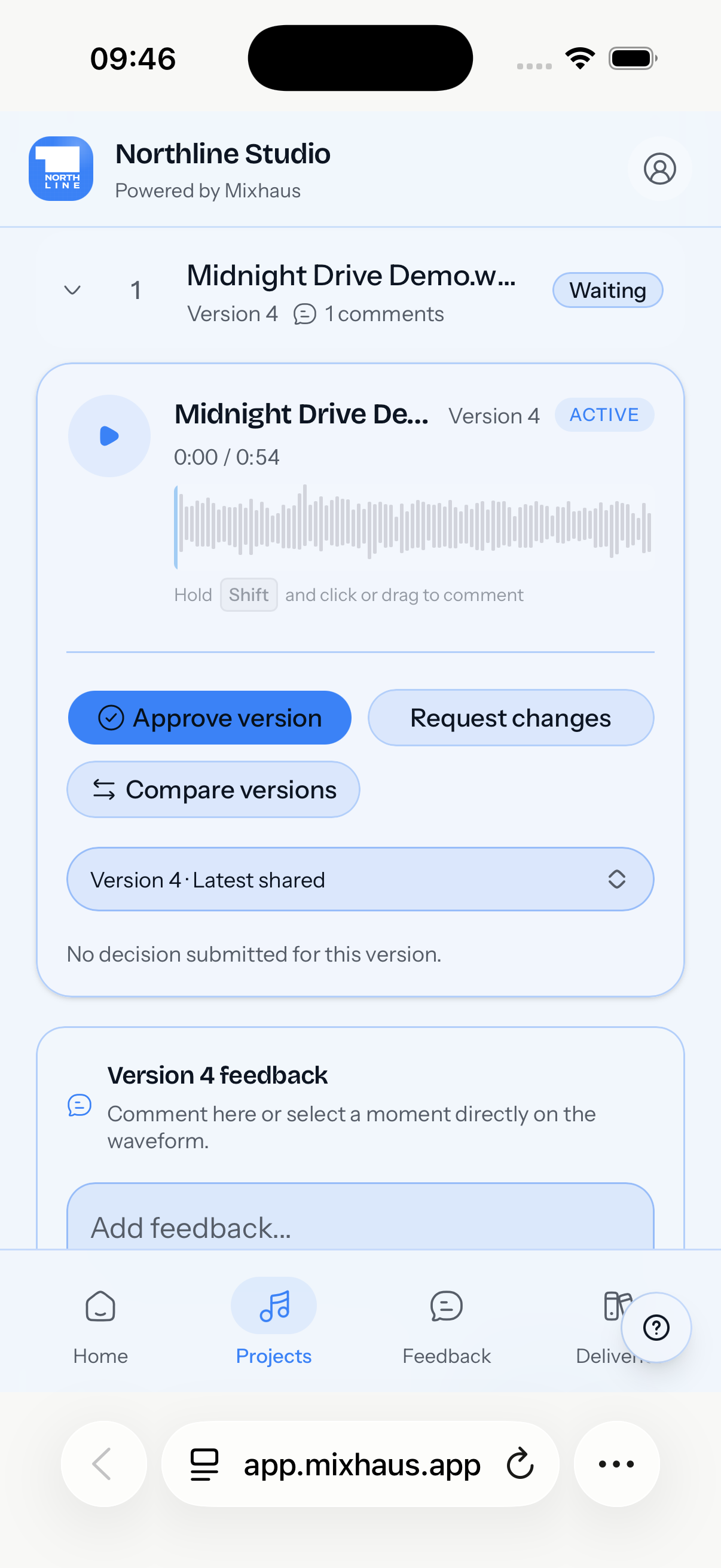
Producers and studios who receive references, source recordings, stems, lyrics, or delivery notes from remote clients.
Keep intake files, notes, references, and later revisions attached to the same client job.
Each step from the first bounce to the approved master, with Mixhaus beside the way it is usually done.
| Workflow step | Mixhaus | Typical alternative |
|---|---|---|
| Request files | Ask the client for the files needed for the project. | Send a separate transfer request or ask for files by email. |
| Receive context | The client's message and upload stay connected to the project. | Files and instructions arrive in different places. |
| Review work | Later mix versions, feedback, and approvals stay in the same project flow. | Intake, review, and delivery each use separate links. |
Something else on your mind? Email contact@mixhaus.app.
Yes. Mixhaus can request stems, reference mixes, source recordings, and other project files through the client portal.
Yes. Client uploads and messages stay with the relevant Mixhaus project.
Yes. Mixhaus is designed to support the whole workflow from intake files through review, approval, and final delivery.
Create your account, install the desktop app, and send your next mix for review from one client project.